School attendance system 2026

Absensi SMPN 15 Serang

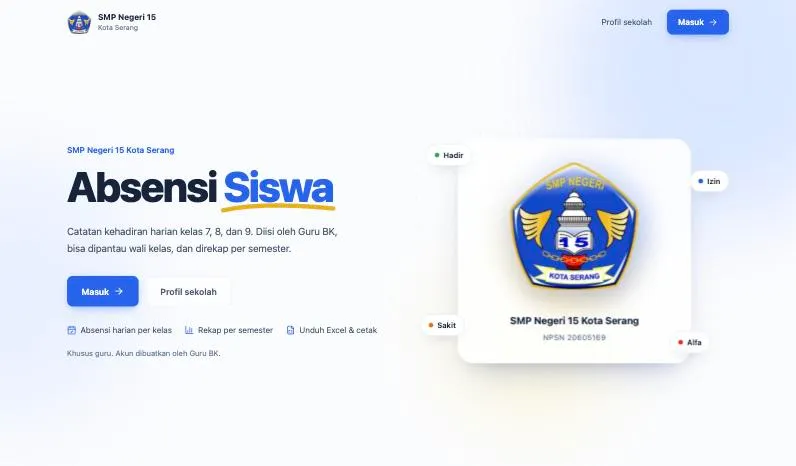
A student attendance monitoring and recap system for SMP Negeri 15 Kota Serang, with role-based teacher access, school-year history, and Excel and PDF reports.

React TypeScript Vite Hono Cloudflare Workers Cloudflare D1 (SQLite) Tailwind CSS SheetJS (xlsx)
Role Full-stack Developer
Year 2026
Stack React, TypeScript, Vite, Hono
Team Solo build
Overview

What this project needed to solve

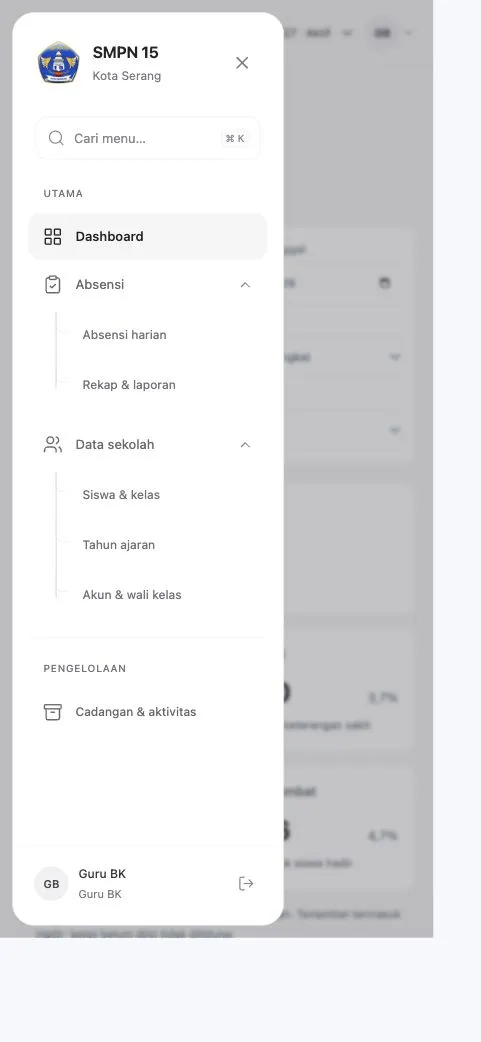
Absensi SMPN 15 Serang is a web application for recording the daily attendance of grade 7 to 9 students at SMP Negeri 15 Kota Serang. The guidance counselor (Guru BK) records attendance and manages school data, while homeroom teachers can view attendance and recaps for their assigned classes only. Data is stored per school year, so attendance history stays intact when students move up a grade or graduate. It was built for the PLP Holistik BK Untirta 2026 school placement program and runs on Cloudflare Workers.
Problem framing

From messy workflow to clearer product requirements.

The work started by separating staff operations from customer booking needs, then turning both into clearer product requirements.

Challenge

What made the work difficult?

Attendance for a whole school has to be recorded class by class every day, then summarised per student, class, grade and semester for guidance follow-up. Records must survive the yearly cycle of promotions and graduations instead of being overwritten. The system also had to stay free to run and maintenance-free for a school without its own server or IT staff.

User and business need

What had to become clearer?

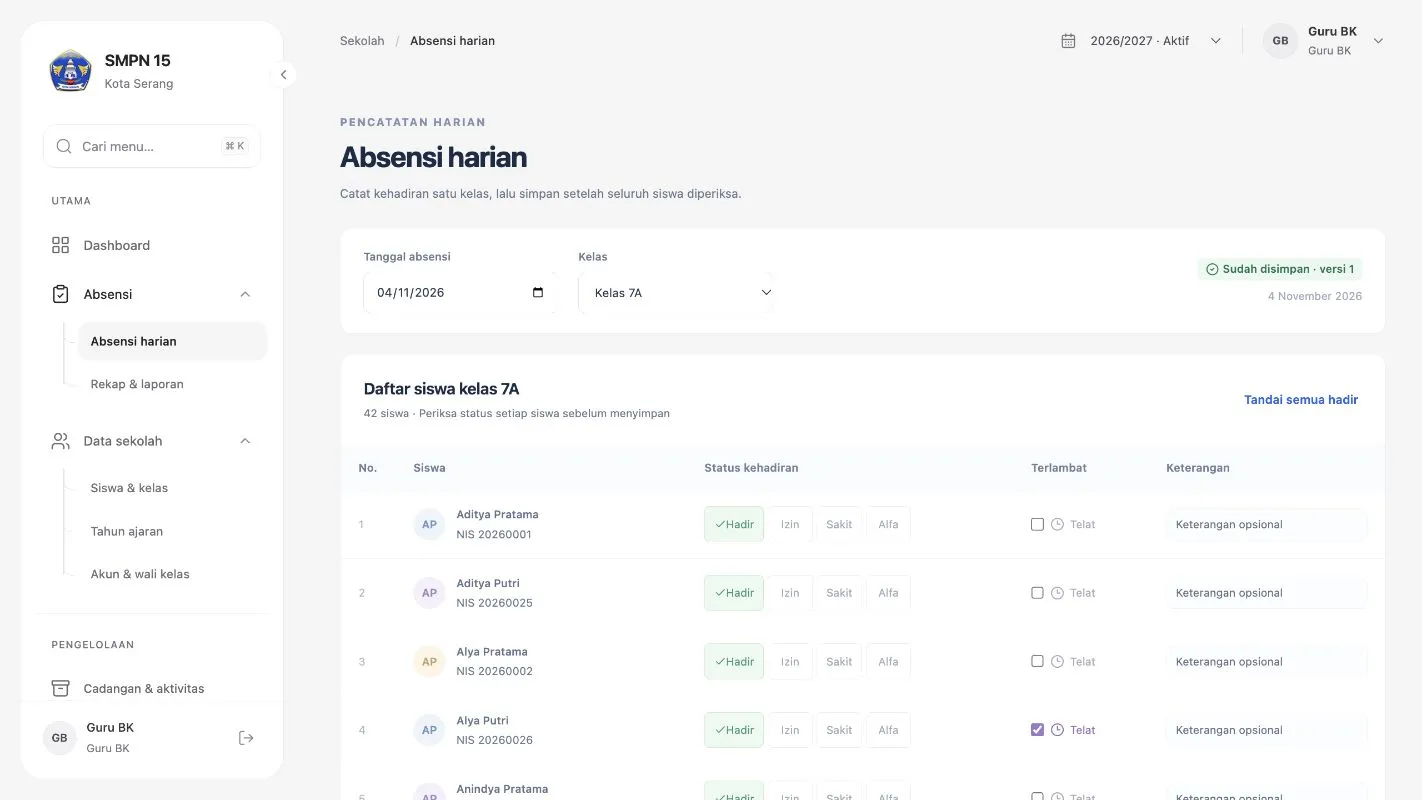
The guidance counselor needed one place to record daily attendance (present, permitted leave, sick, absent without notice, plus lateness) and to produce recaps without manual spreadsheet work. Homeroom teachers needed to see their own class without being able to change school-wide data. Counting rules also had to be explicit, such as late students still counting as present and unfilled classes not being counted as present.

Process

How the project moved from requirements to usable flow.

01

The app was organised around two roles, Guru BK with full access and homeroom teachers with read access to their assigned class, and around the school year as the unit that keeps history...

Solution

What I built and why it mattered

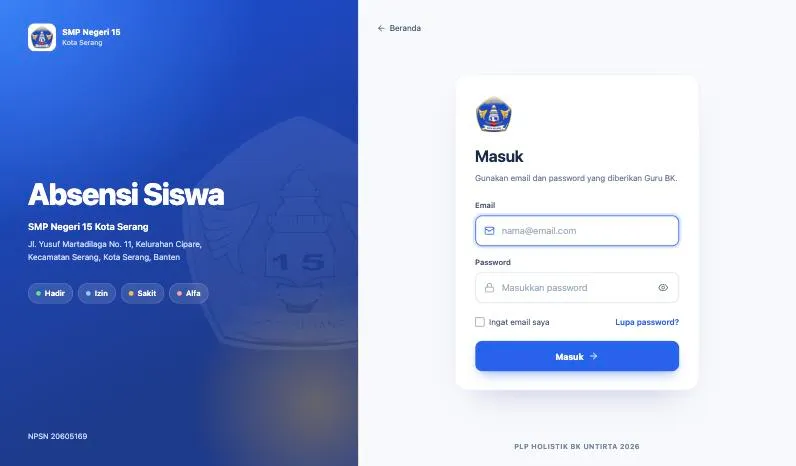
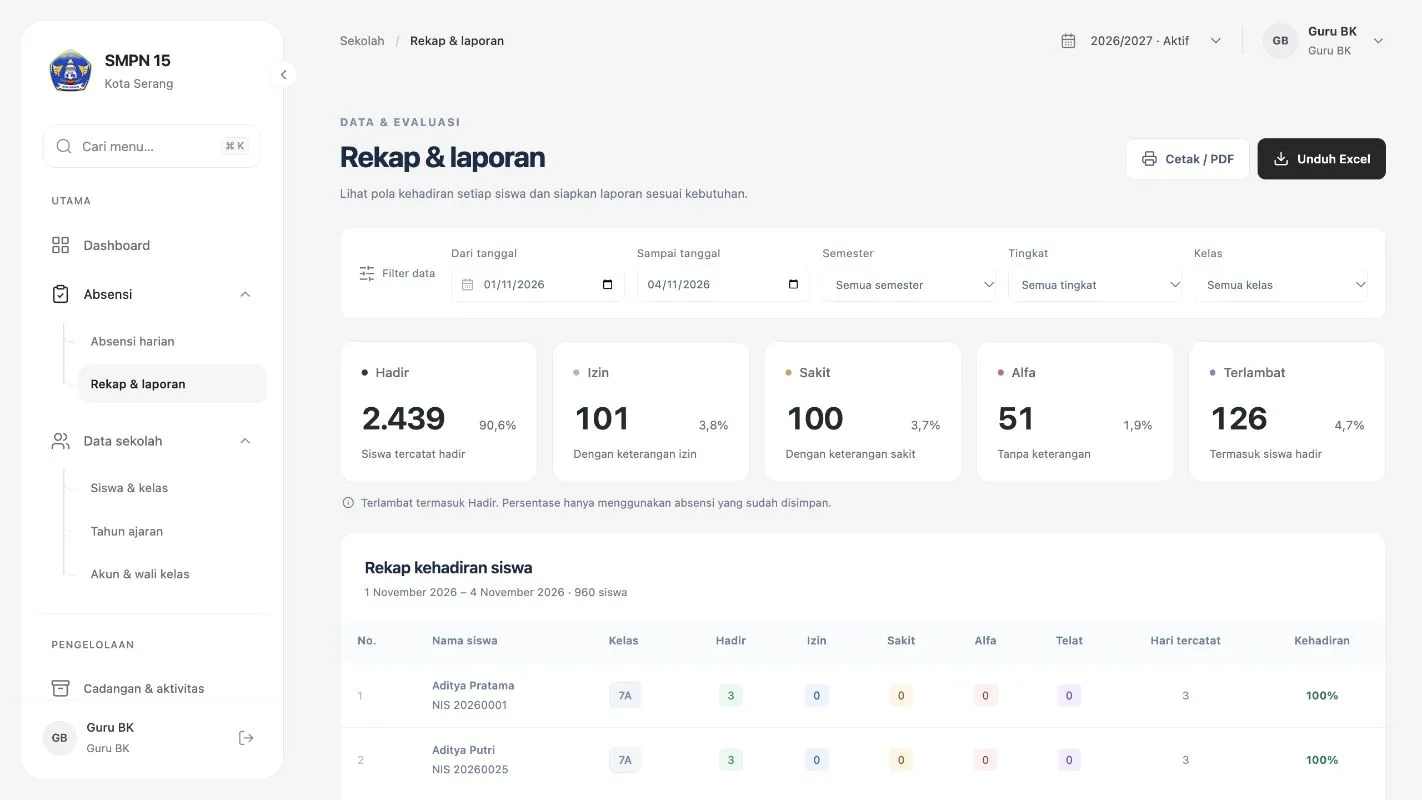
The front end is built with React, TypeScript and Vite, and the API with Hono on Cloudflare Workers, backed by a Cloudflare D1 (SQLite) database. Teachers sign in with email and password hashed with PBKDF2, and failed login attempts are tracked. Features include per-class daily attendance with a mark-all-present shortcut, a dashboard showing which classes are still unfilled, per-student recaps filtered by date, semester, grade and class with Excel download and print to PDF, CSV student import, class transfers, school years, holiday calendar, promotion and graduation, teacher accounts, a change history log and database backups. Automated tests cover the server logic and the dark theme build step.

Outcome

Impact and proof points

The guidance counselor can record and review attendance for every class in one application and hand out recap reports as Excel or PDF without rebuilding spreadsheets. Homeroom teachers get direct visibility into their own class attendance. Because data is kept per school year, attendance history remains available after promotions and graduations, and the app runs on the Cloudflare free tier with no server to maintain.

Reflection

What this case says about how I work.

Start from the real workflow before deciding the interface structure.

Make system states visible so users know what happened and what to do next.

Write interface copy that reduces follow-up questions, not just fills empty space.