Inventory web app with QA and UAT 2026

KedaiInventory

A stock and product catalog app for small grocery shops, refactored to CodeIgniter 4 MVC and documented with QA, debugging, UAT and release-readiness reports.

PHP 8.2 CodeIgniter 4 MySQL Bootstrap Bootstrap Icons JavaScript (DOM) Composer Python (python-docx report tooling)
Role Developer and QA Tester
Year 2026
Stack PHP 8.2, CodeIgniter 4, MySQL, Bootstrap
Team Solo build
Overview

What this project needed to solve

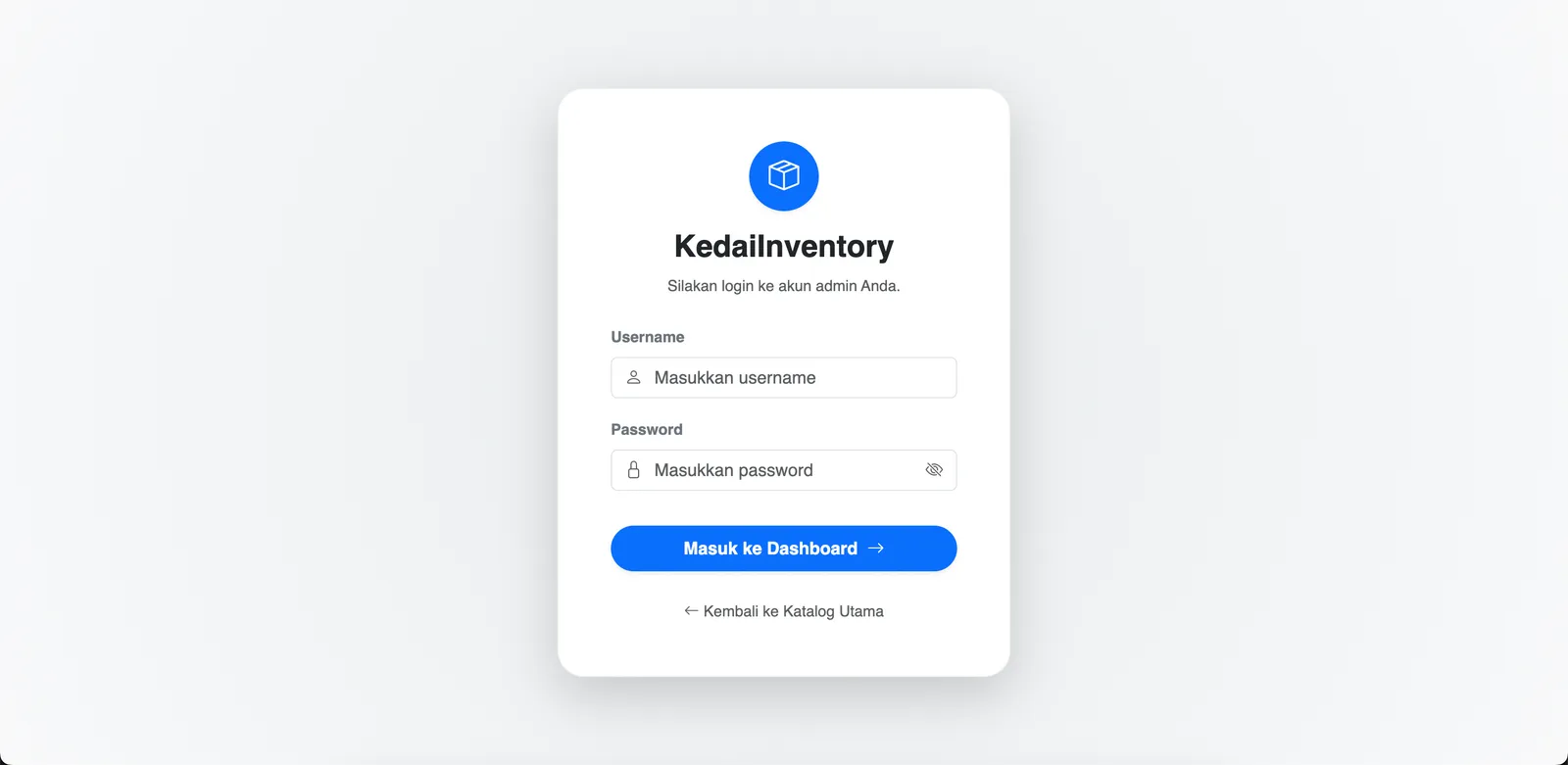
KedaiInventory is a CodeIgniter 4 web app that helps grocery shop and small retail owners keep track of products and stock. It includes admin login with session-based route protection, a stock dashboard with summary figures, a product catalog read from MySQL, an add-product form and logout. The project began as a refactoring task from a legacy spaghetti PHP file into MVC, and was then put through quality assurance, debugging, user acceptance testing and an environment check before release.
Problem framing

From messy workflow to clearer product requirements.

The work started by separating staff operations from customer booking needs, then turning both into clearer product requirements.

Challenge

What made the work difficult?

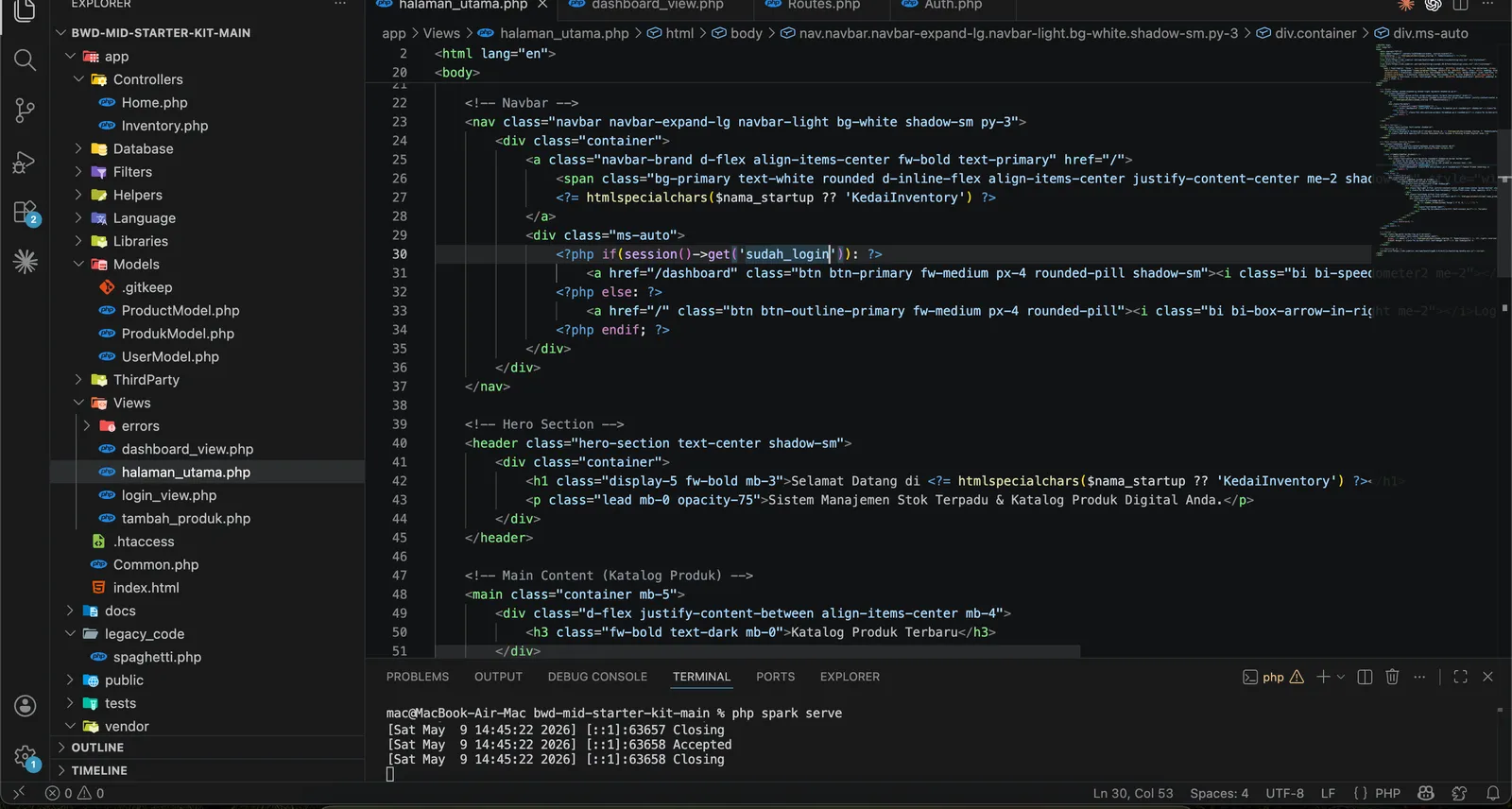
The starting point was a legacy PHP file that mixed data, logic and markup in one place. The refactored app also carried small inconsistencies that broke navigation, such as a login link pointing to an unregistered route and a view checking a different session key than the one the login controller set. A local database connection failure on localhost caused a server error during login.

User and business need

What had to become clearer?

Many small shop owners struggle to track fast-moving stock and end up running out of items unexpectedly. They need a simple admin tool that shows what is in stock, its value and lets them add products, and the tool itself needs to be checked properly before it can be called ready for release.

Process

How the project moved from requirements to usable flow.

01

The legacy code was split into CodeIgniter 4 controllers, models, views and an authentication filter, with product data adapted to a grocery shop. Eight self-test scenarios covered regist...

Solution

What I built and why it mattered

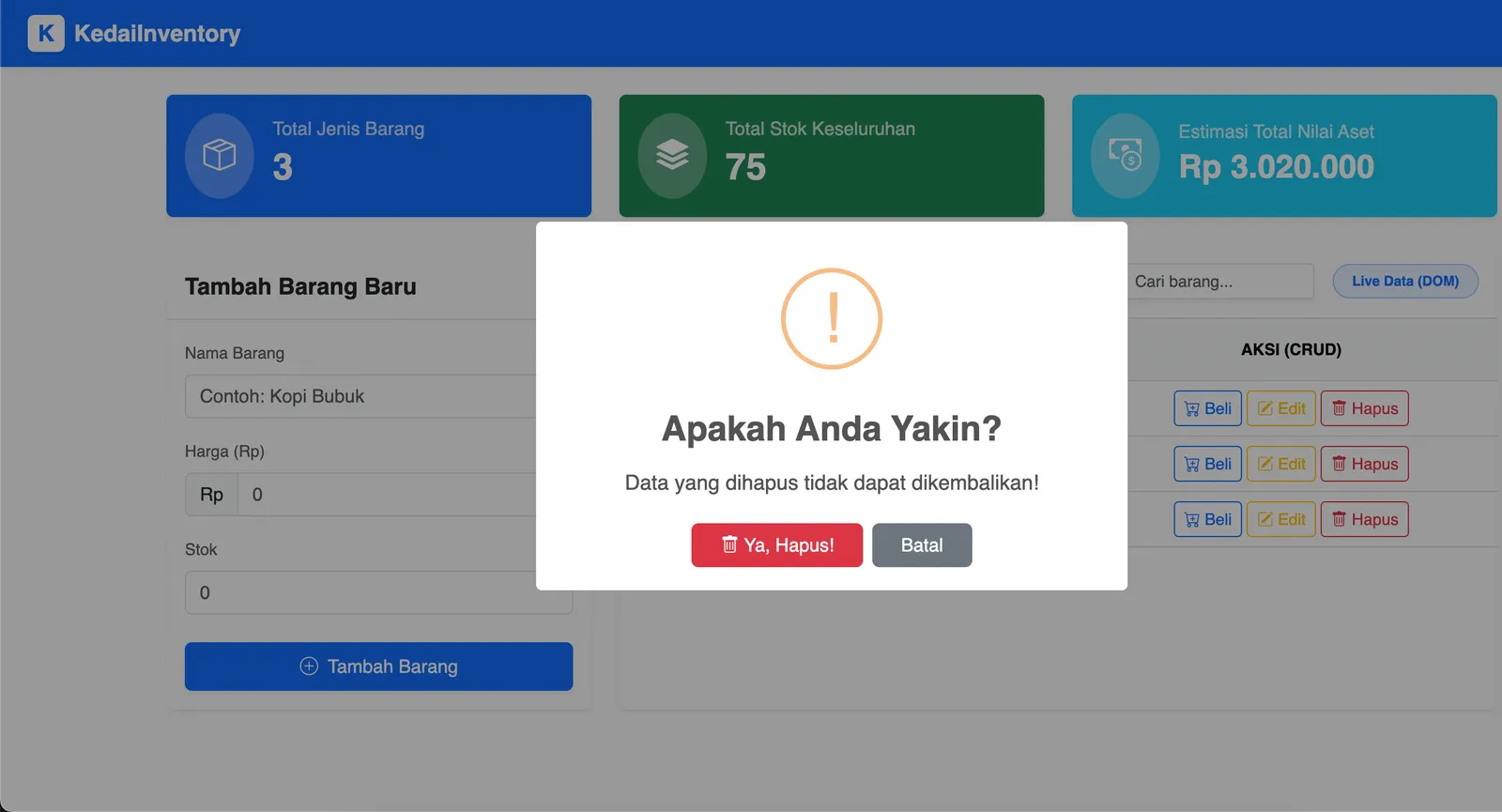
The app provides an admin login, a protected dashboard with total item types, total stock and estimated asset value, a product table with buy, edit and delete actions driven by JavaScript, and a database-backed catalog and add-product form. The session key and login route were aligned between controller, routes and view, and the database host was switched to 127.0.0.1 to fix the connection error. The environment was set to production so technical error details are not shown to users, and the findings were compiled into a final report, a separate UAT document and a release-readiness report with screenshot evidence.

Outcome

Impact and proof points

The project shows a full path from messy legacy code to an MVC app that can be run locally with a demo database and tested end to end. The QA and UAT reports give a clear, honest record of what works, what was fixed and what still needs improvement, such as persisting edit and delete actions and showing stock in the catalog. UAT concluded that the basic admin flow passed with notes for improvement.

Reflection

What this case says about how I work.

Start from the real workflow before deciding the interface structure.

Make system states visible so users know what happened and what to do next.

Write interface copy that reduces follow-up questions, not just fills empty space.